Visitor check-in shaped to the way your site works
When you set up a project, you tell GuestTrack what it is for. It suggests the right questions for your visitors and gives your team a Today page made for that place.
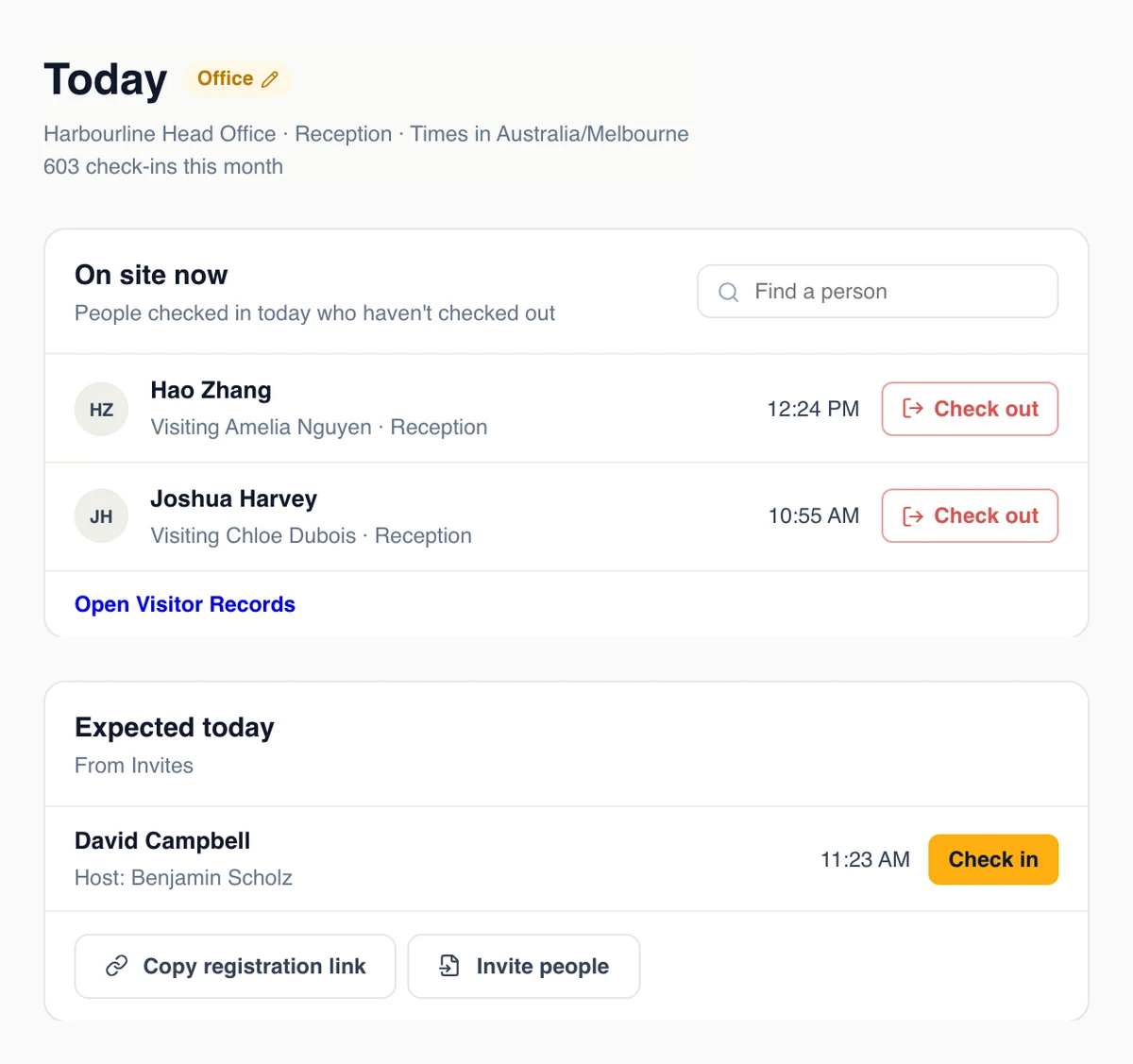
Know who is in the building, and tell their host
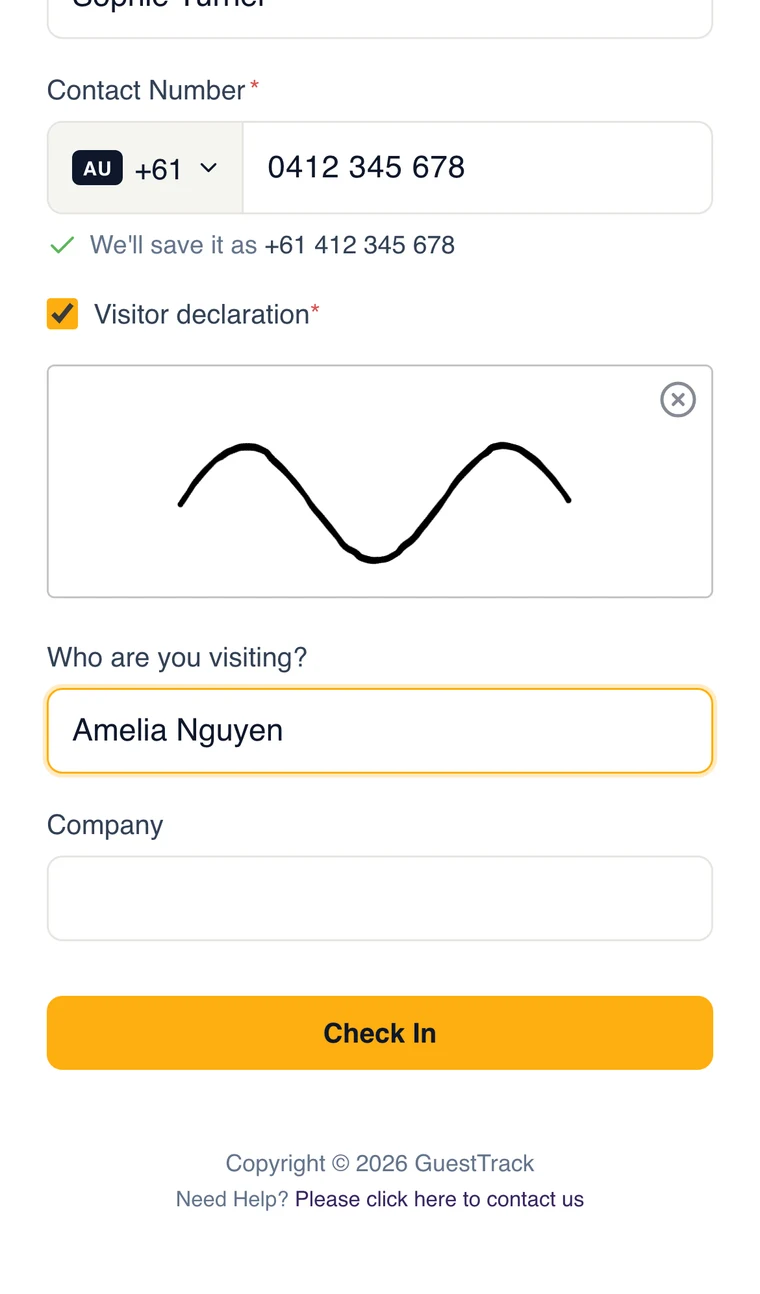
Visitors scan the QR code at reception, sign your visitor rules and say who they are visiting. Their host gets an email the moment they arrive. Expected guests from Invites skip the form, and the front desk sees who is on site and who is still to come.
- Who are you visiting, a declaration and a signature
- A Welcome Screen on a tablet for guests without a phone
- Staff and regulars check in with one scan
Attendance for every session, class and meeting
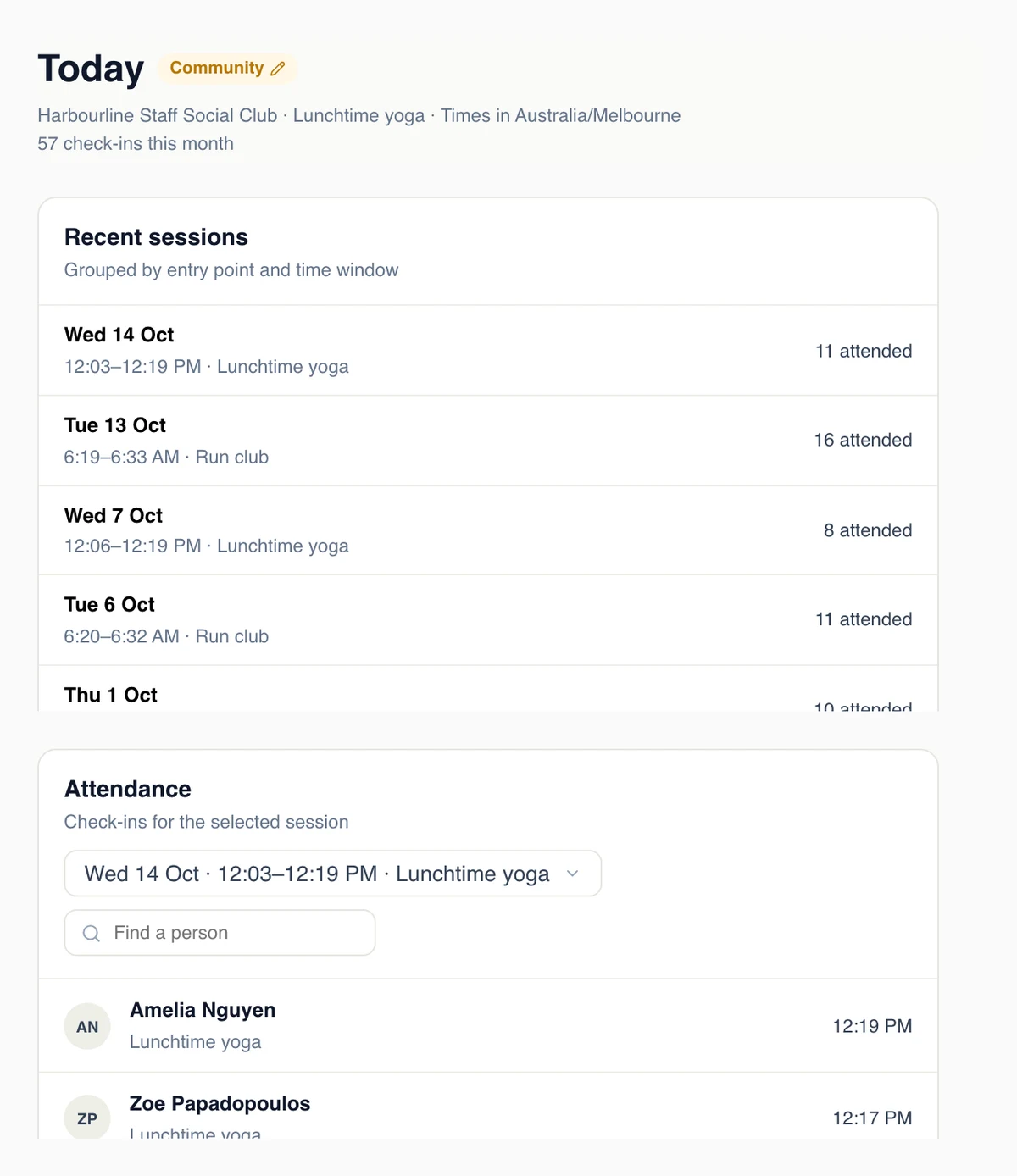
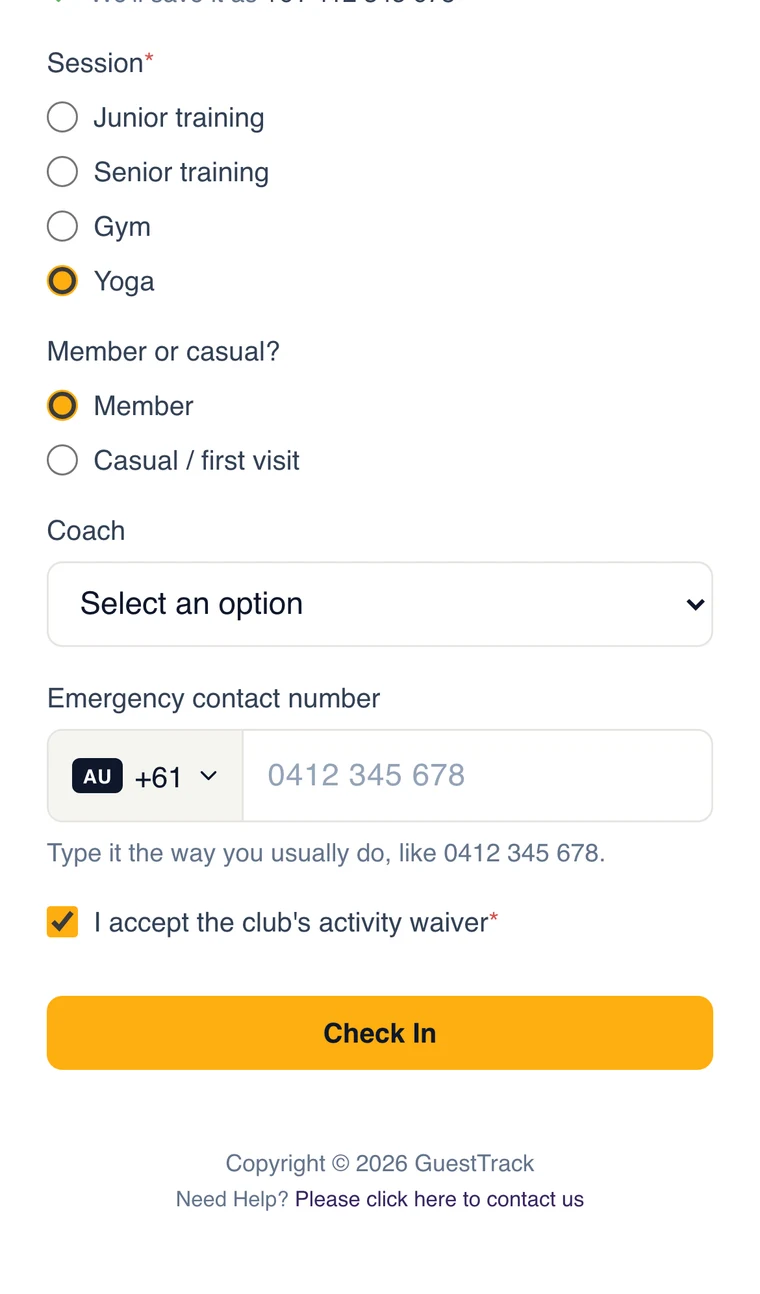
Members and casuals check in at the door of a class, a training night or a meeting. Today groups check-ins into sessions by time and place, so you see who came tonight, how that compares with last time, and who attended each recent session.
- A QR code per room, court or activity
- A confirmation email if they want one
- Waivers and emergency contacts on the form
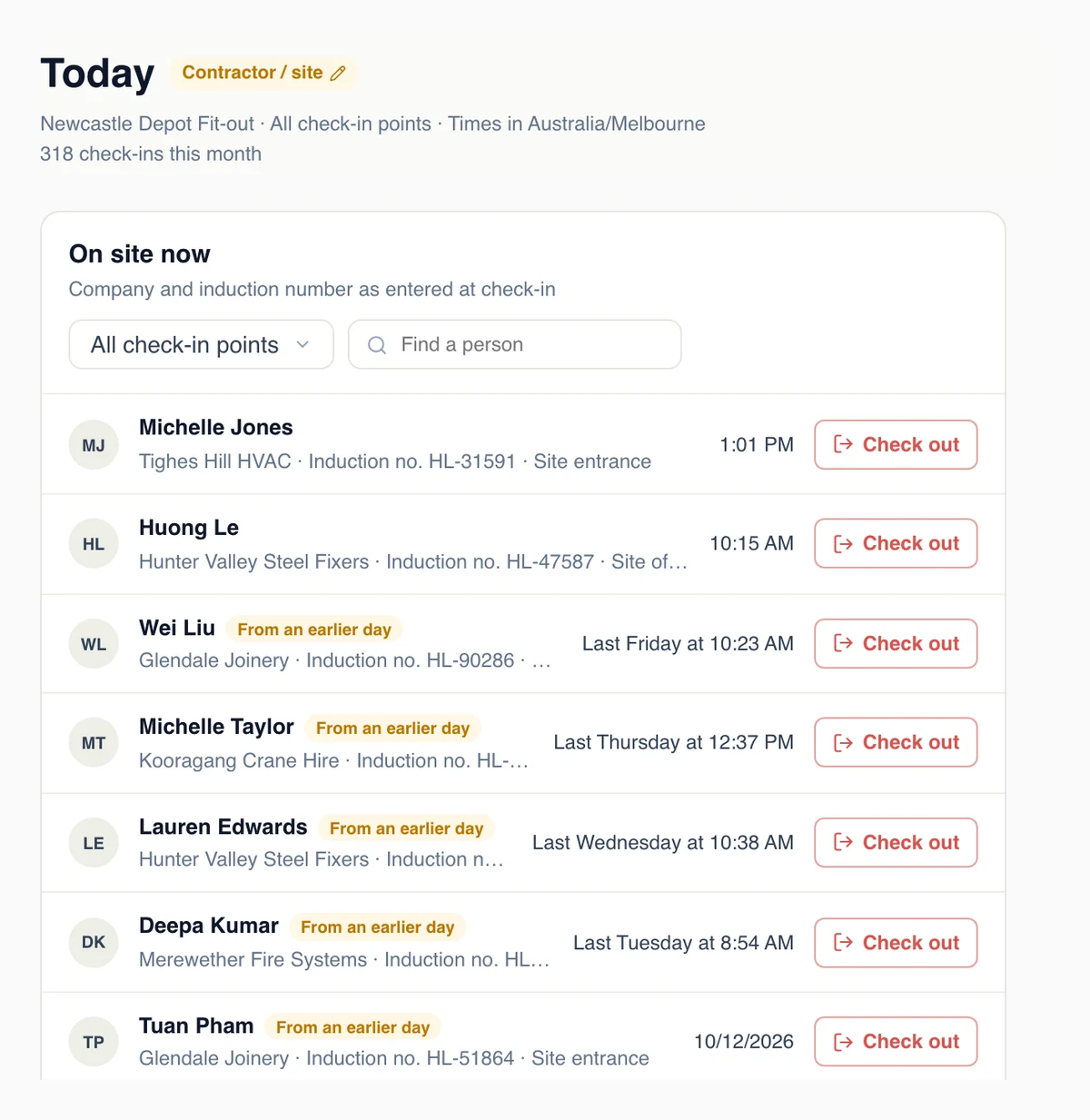
Every worker on site, with their company and induction
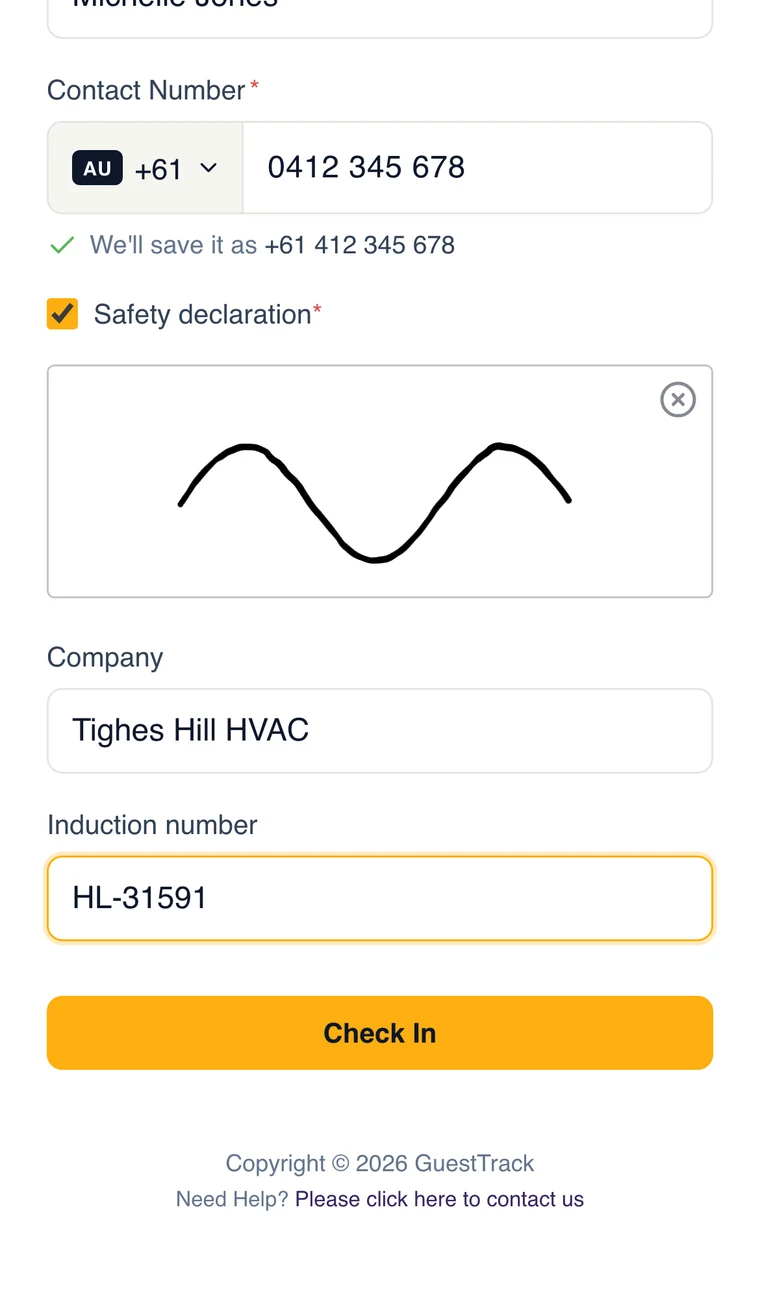
Contractors sign in at the site entrance with their company and induction number, tick your safety declaration and sign. Today shows who is on site at each entrance, and flags anyone who checked in on an earlier day and never checked out.
- A photo of a licence or induction card
- One project for many sites, or one per site
- The Check In app verifies they are really on site
Registrations before, arrivals on the day
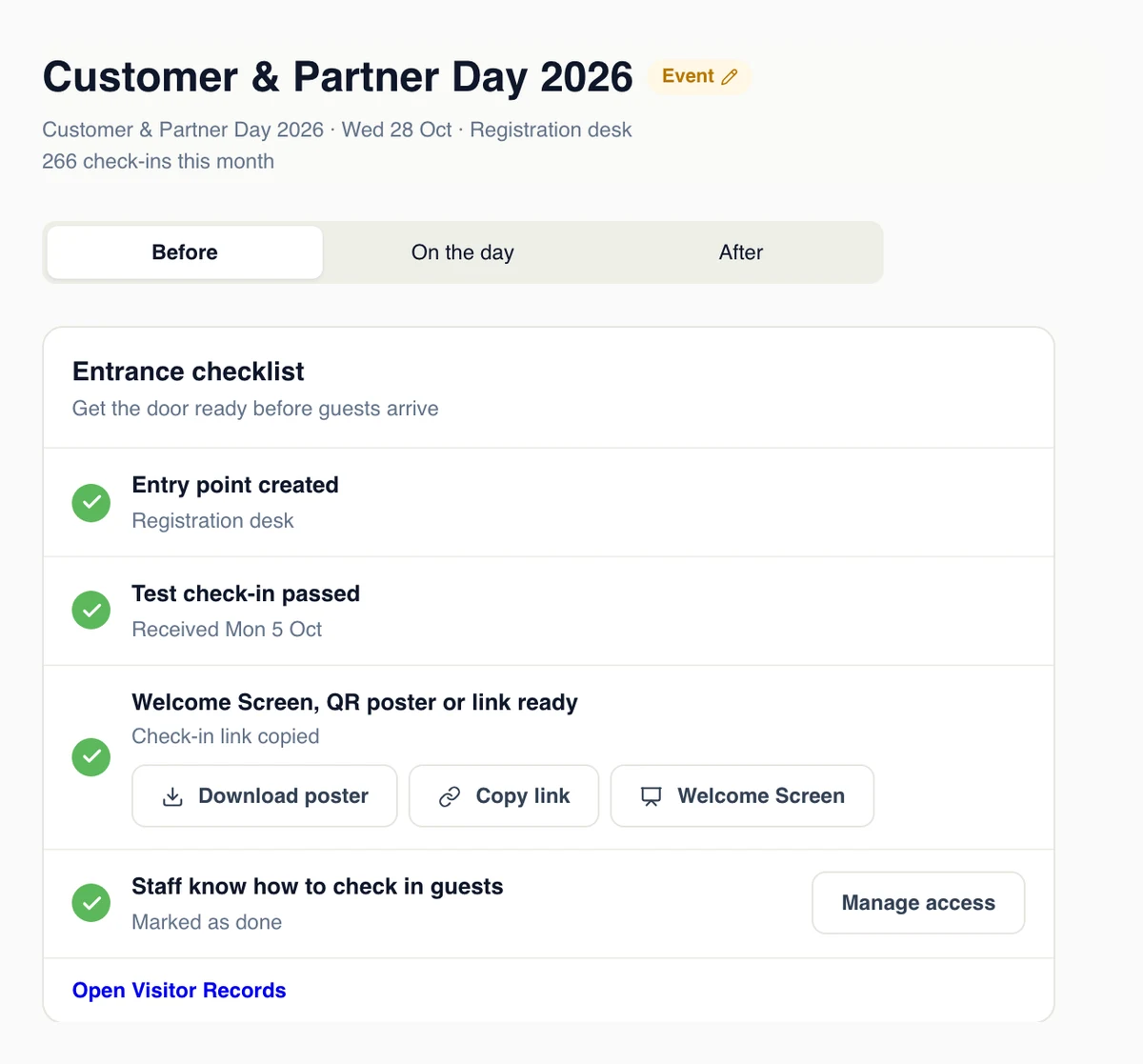
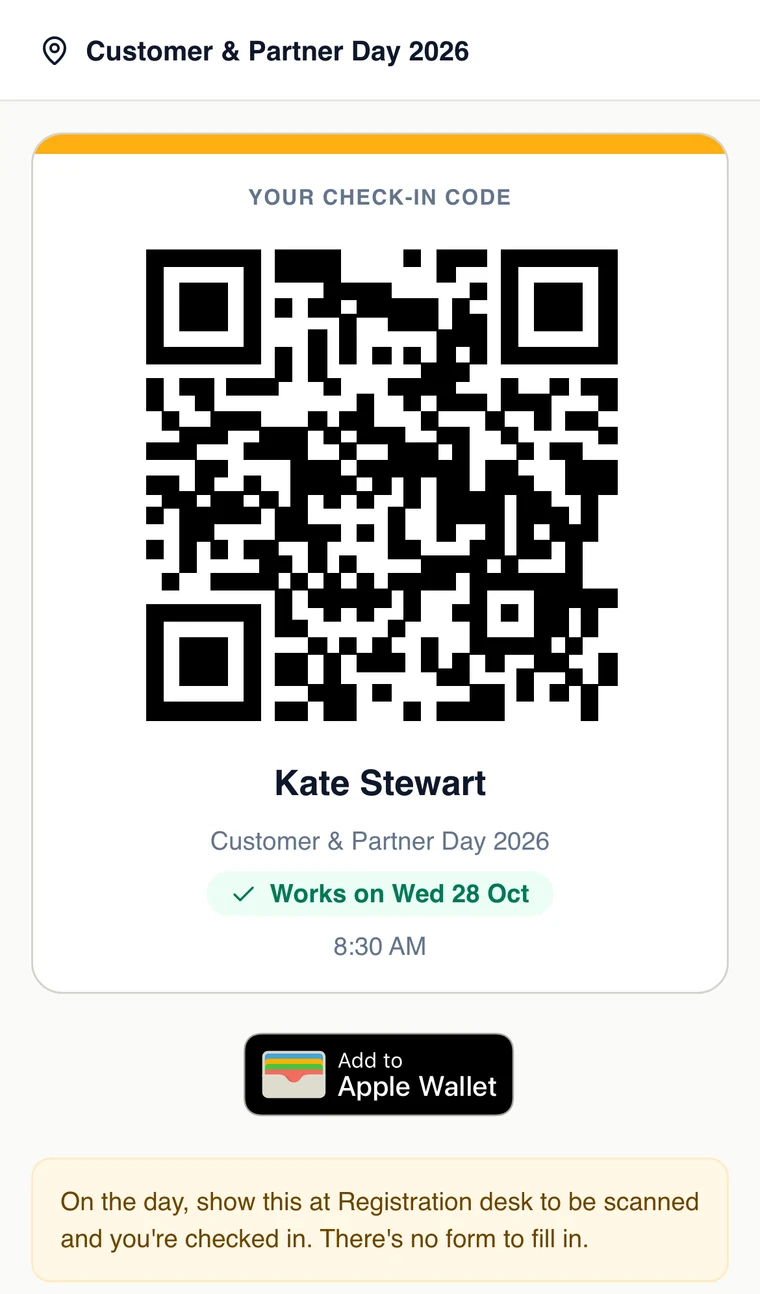
Guests register from a link or your website and get a code for Apple Wallet or Google Wallet. Before the event, Today shows who has registered and a checklist for the entrance. On the day, staff scan codes at the door and see who has arrived and who has not.
- Today moves from Before to On the day to After
- Walk-ups check in on the same form
- Dates in the venue’s time zone
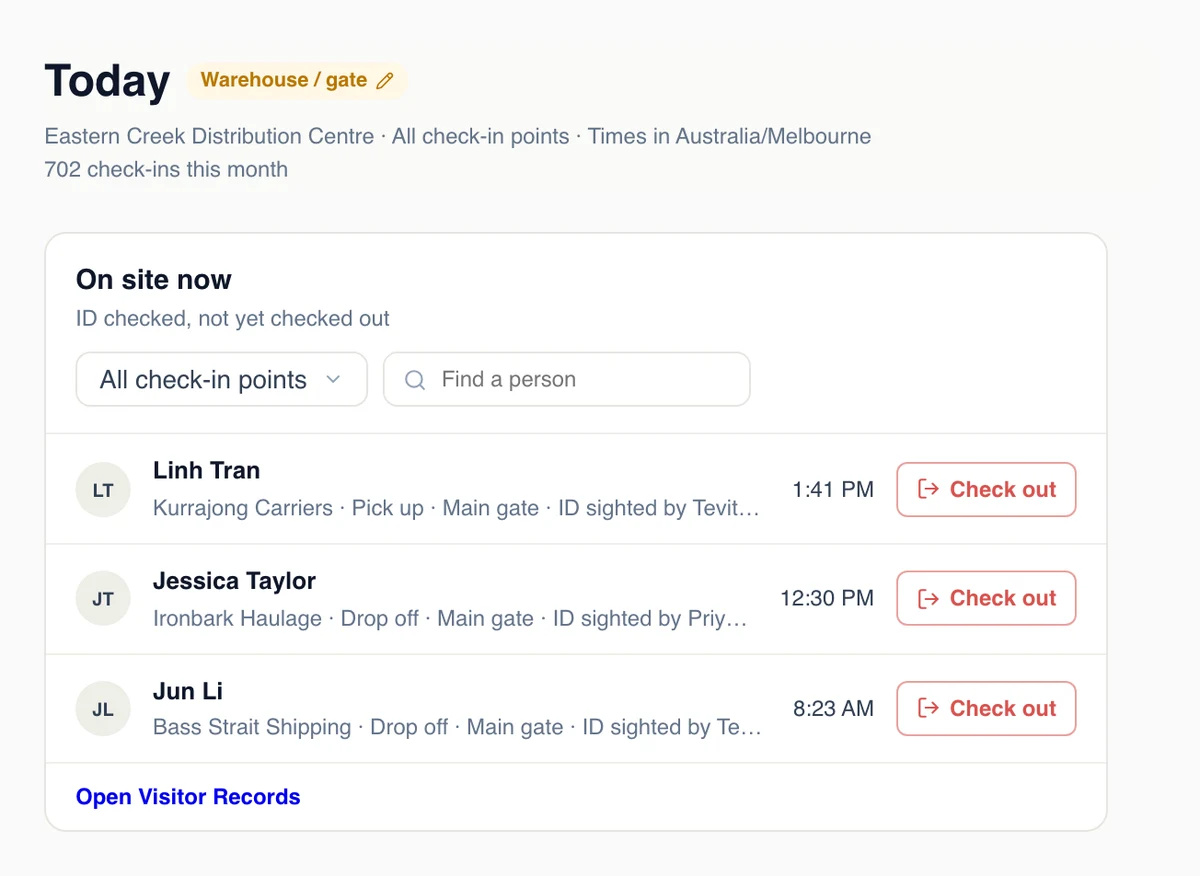
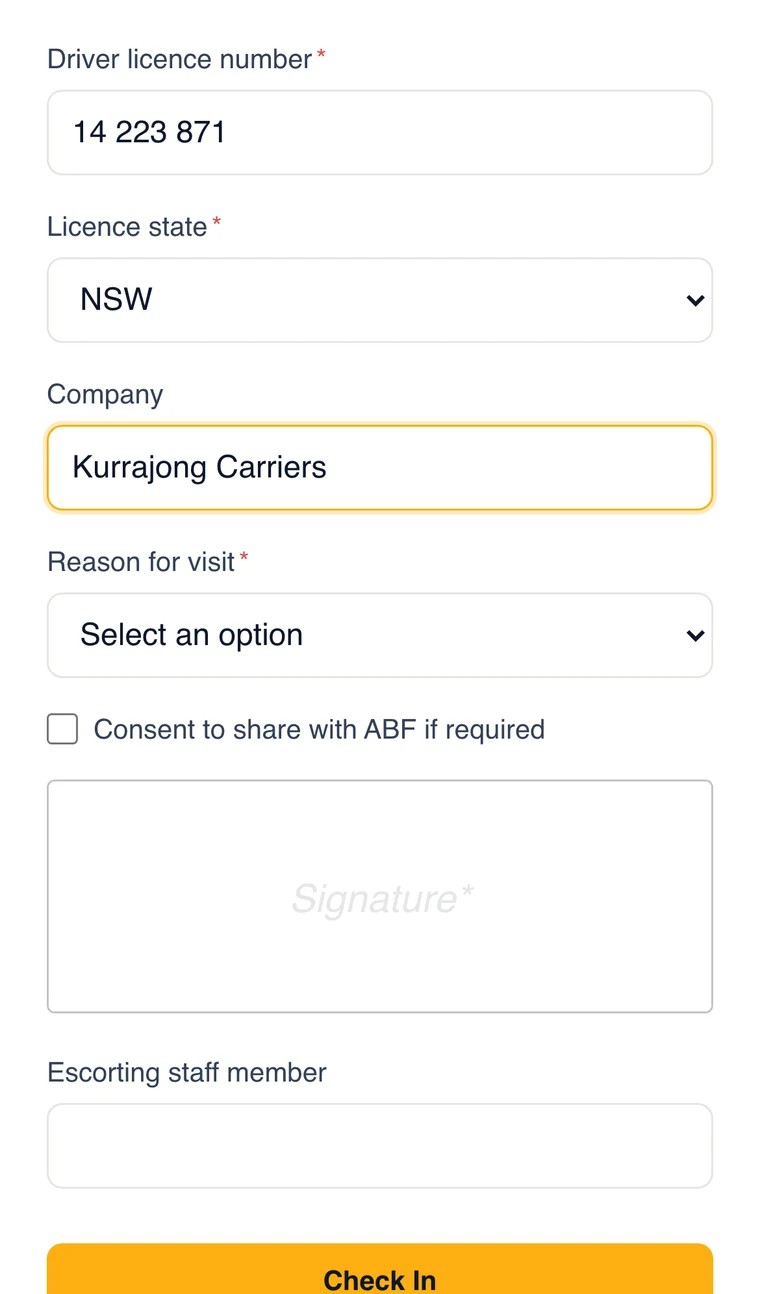
Drivers check in on their phone, the gate checks their ID
Drivers scan the code at the gate and give their licence, company and reason for visit. The gatehouse compares the licence and confirms it with one tap, and GuestTrack records who sighted it and when. Records are kept for as long as your site needs them.
- Licence number and state, and an optional licence photo
- Waiting for ID check, then on site
- A consent tick box worded the way you need
Try a check-in as your visitors would
Each demo is a real GuestTrack form. Open it on your phone, or scan it from your screen.
The same everywhere
Any phone, no app
Visitors use their camera and a web page. Nothing to download.
Unlimited check-in points
A QR code for every door, gate, room or table, on every plan.
A kiosk when you need one
The Welcome Screen turns any tablet into a check-in kiosk.
Mix scenarios
An organisation can run an office, a depot and an event, each set up its own way.
Roles for your team
Check-in staff, records viewers, project managers and administrators.
Records you can rely on
Encrypted, kept as long as you choose, and exported in seconds.
Which one are you?
Start a 14-day free trial and pick your scenario in Get started. You can change it any time.